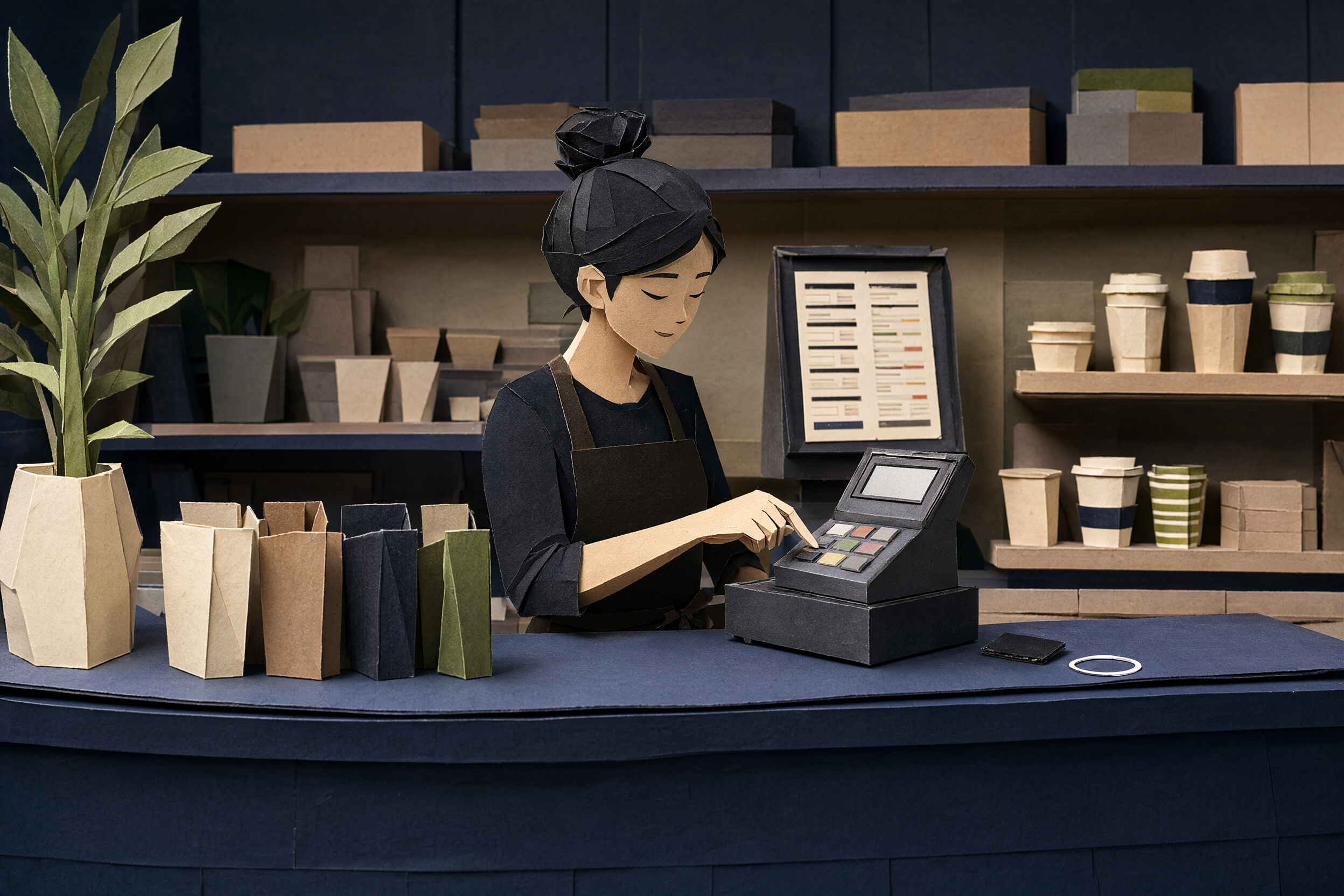
Keep the till. Lose the printer.
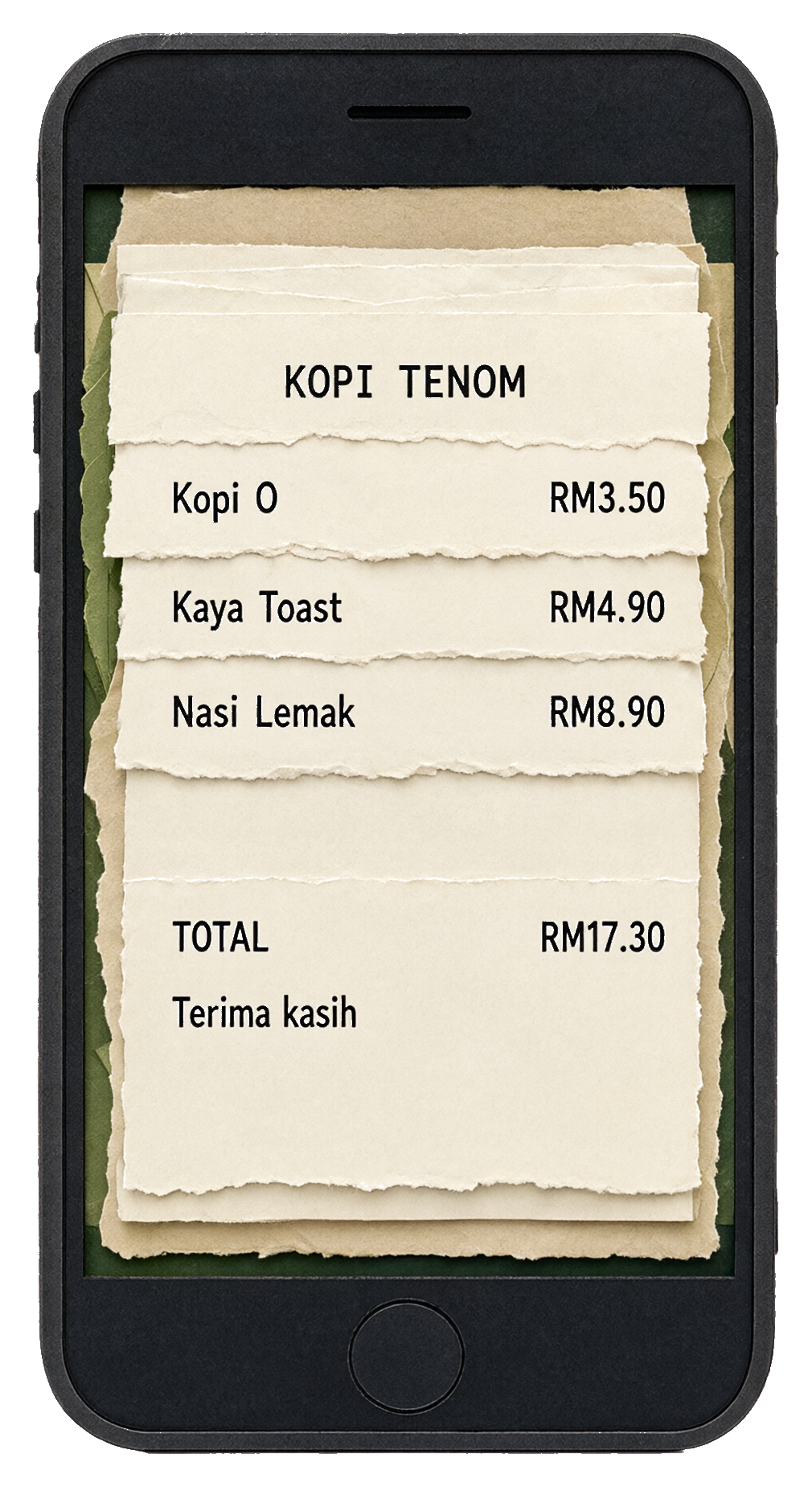
The POS prints to ezResit. Your customer taps the tile and the receipt opens in their browser. No account, no app, no phone number.

The printer left the counter.
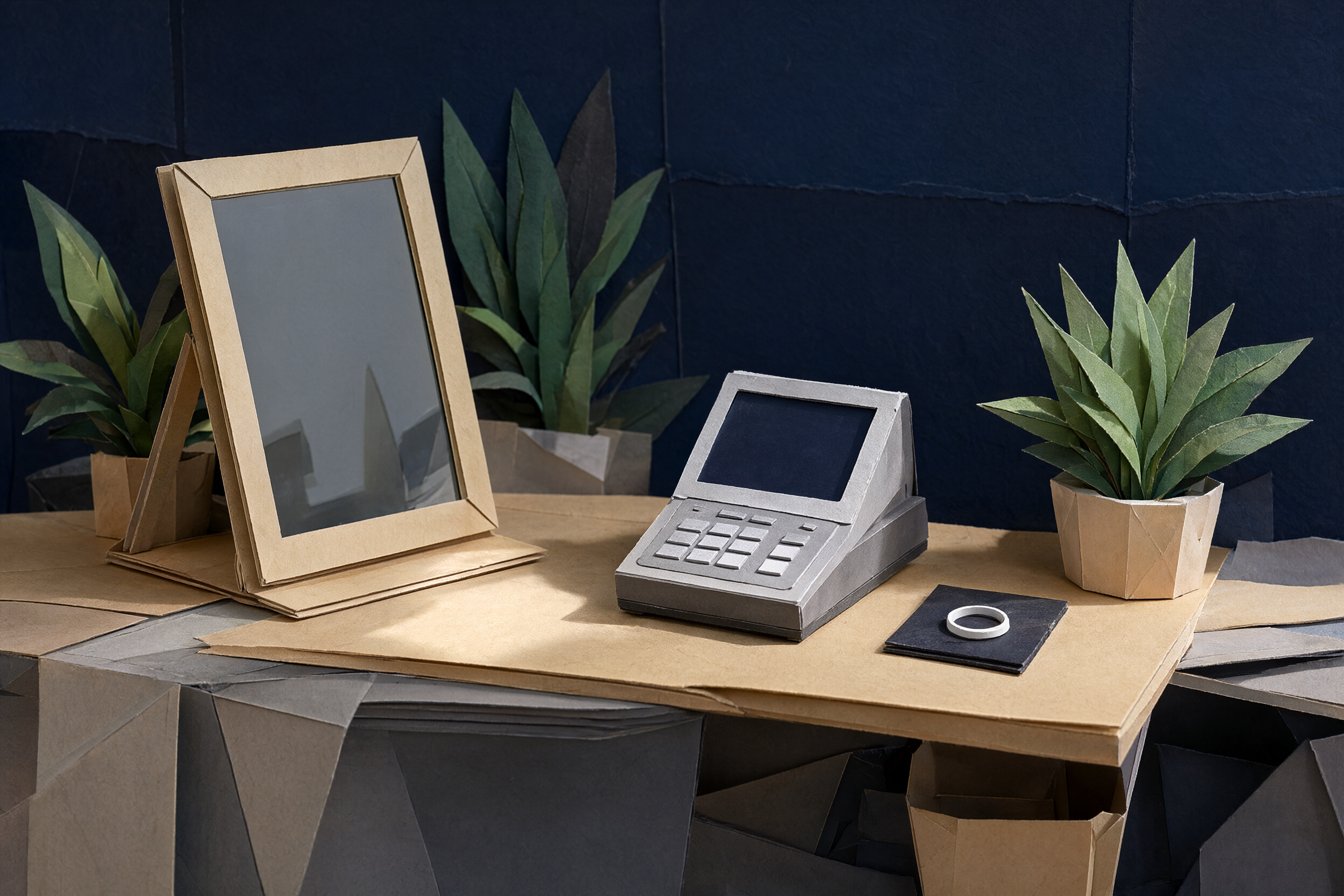
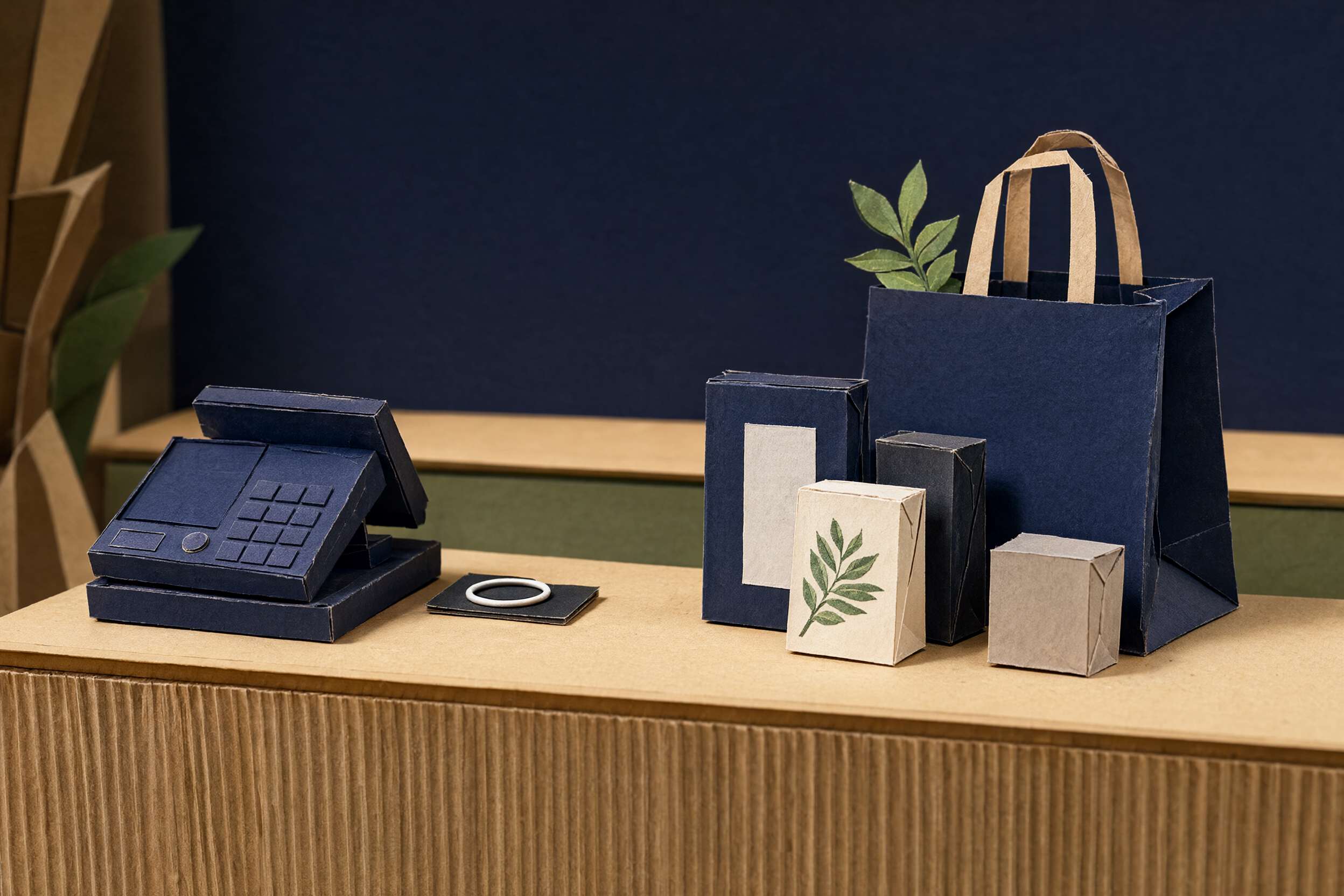
ezResit sits where the thermal printer used to. The POS keeps printing exactly as it does today, and the tile captures every job. No paper, no ribbon, no roll to run out of.
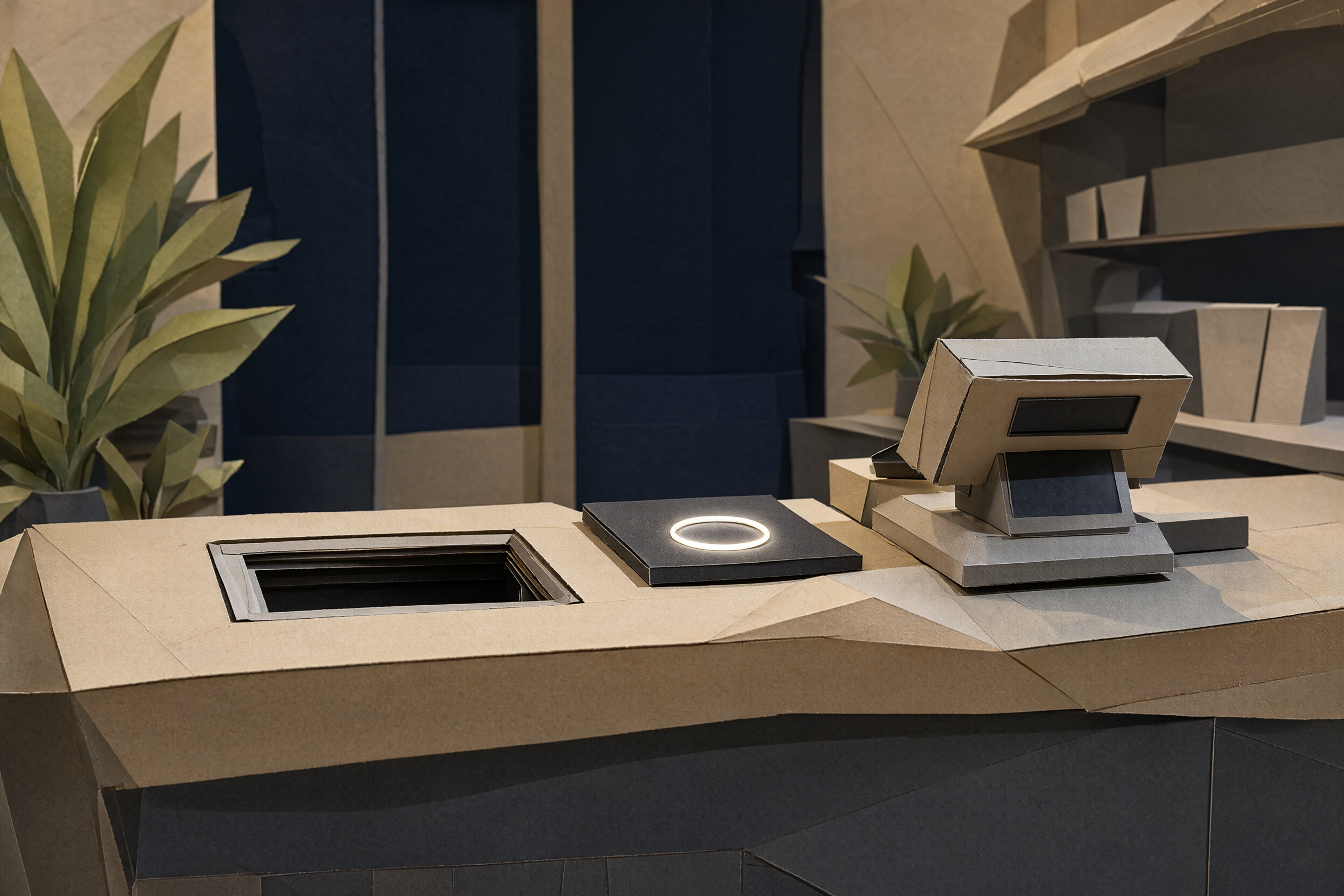
The printer vs the tile
Paper printer
- Paper rolls to buy and ribbons that jam when the queue is longest
- Receipts fade in a drawer, or get binned before the customer reaches the car
- Once it prints, that is the end of it
- No feedback, no numbers, nothing learned about the visit
ezResit tile
- No paper, no ribbon, nothing to restock
- The receipt stays on the customer's phone, searchable instead of binned
- Reviews come back to you: low ratings privately, good ones sent to Google
- Receipt counts, claim rates and feedback in your dashboard, not guesswork
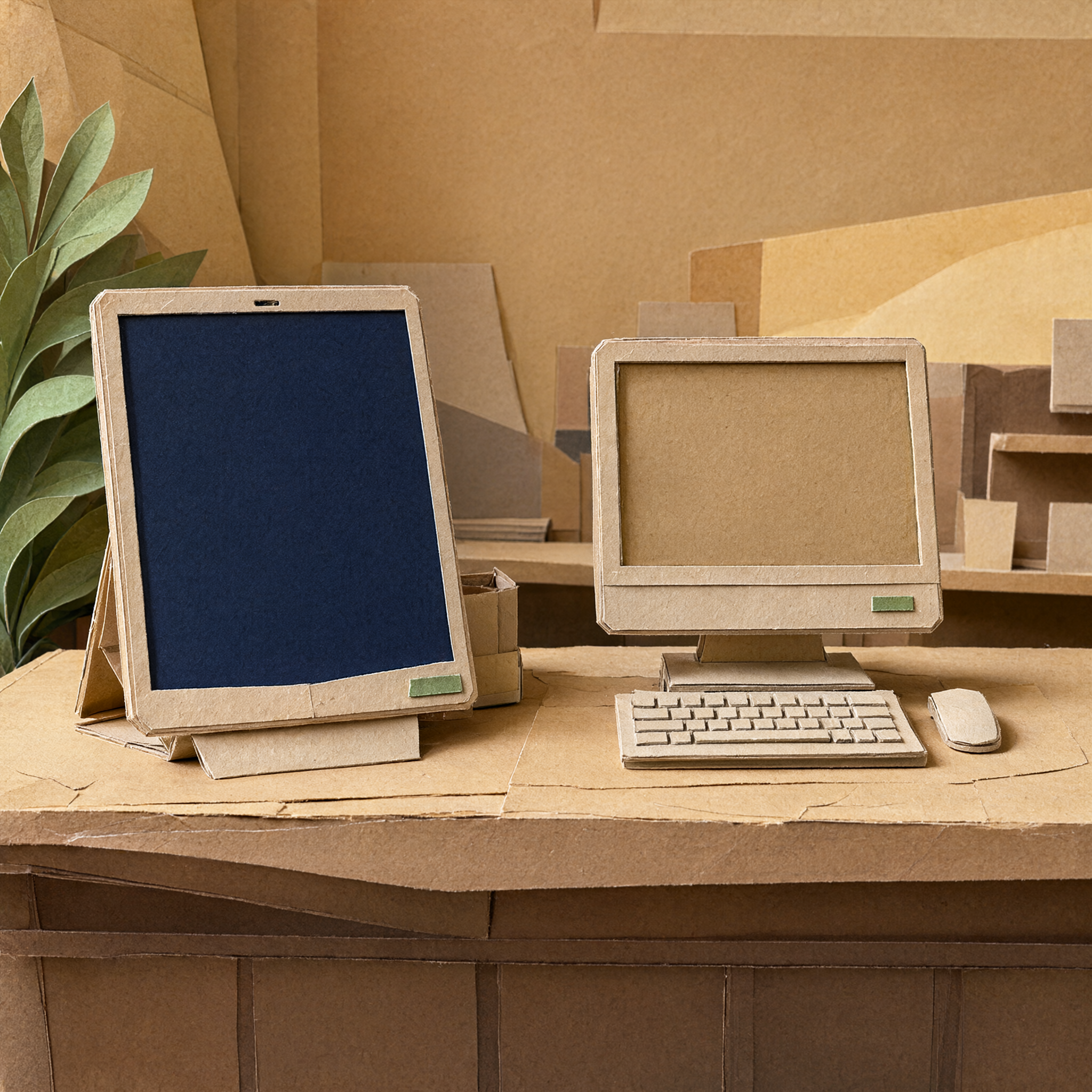
Getting a tile
- 01
Tell us your POS
Send us your setup and we check it before you commit to anything.
- 02
The tile arrives ready
It comes set up on your merchant account. Put it on the counter and plug it in.
- 03
Receipts start landing
From the first print, receipts and feedback collect in your dashboard.
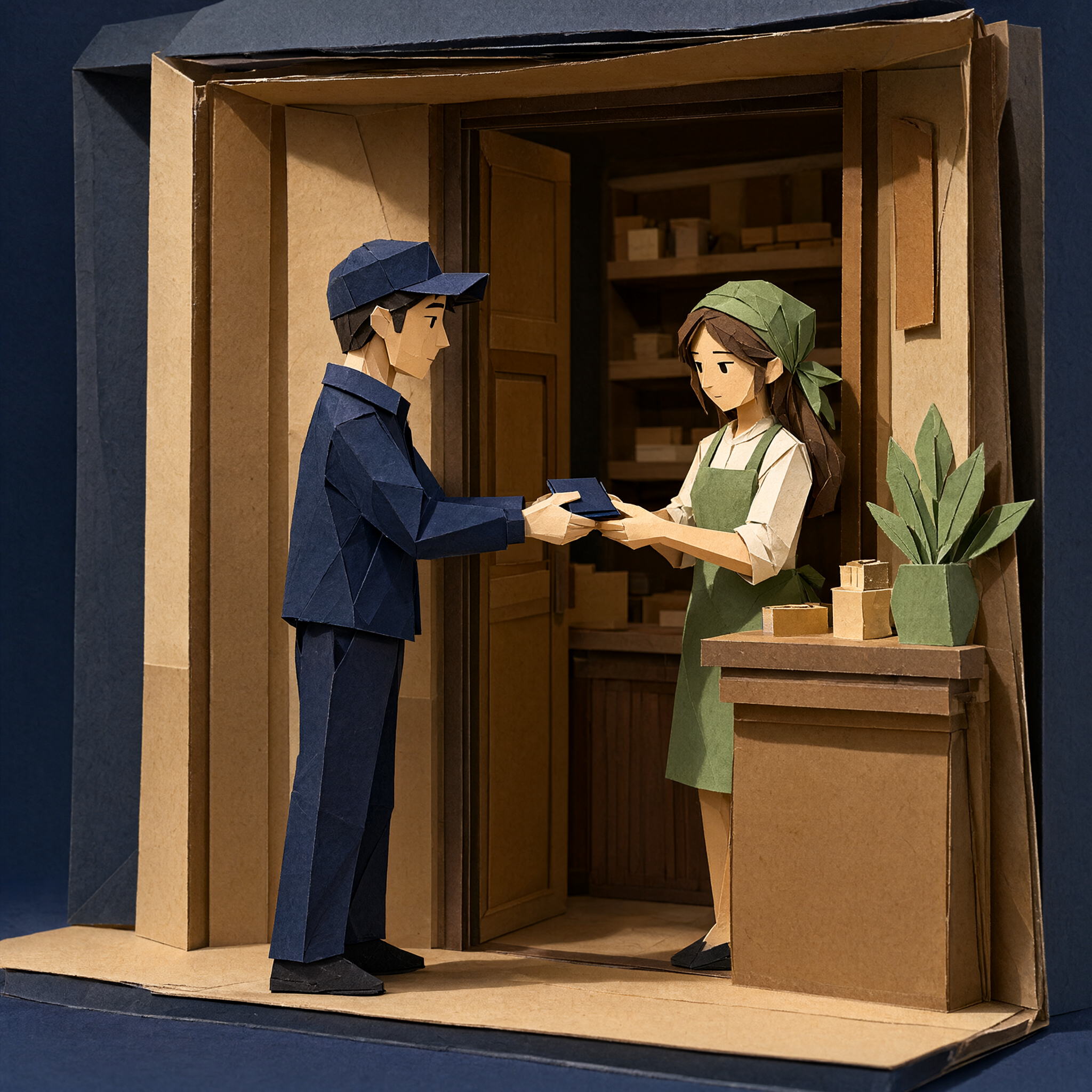

- 01
Tell us your POS
Send us your setup and we check it before you commit to anything.
- 02
The tile arrives ready
It comes set up on your merchant account. Put it on the counter and plug it in.
- 03
Receipts start landing
From the first print, receipts and feedback collect in your dashboard.
What your customer sees
One tap and this page opens in their browser. Save it or print it from there, no account needed.
- The receipt opens in their browser. No account needed.
- They rate the visit right on the page.
- If they save it to their wallet, stamps collect each visit.
The receipt opens in their browser. No account needed.
A receipt that earns its keep
Receipt first
The receipt opens before we ask for anything. No app, no account, no phone number just to view or save it.
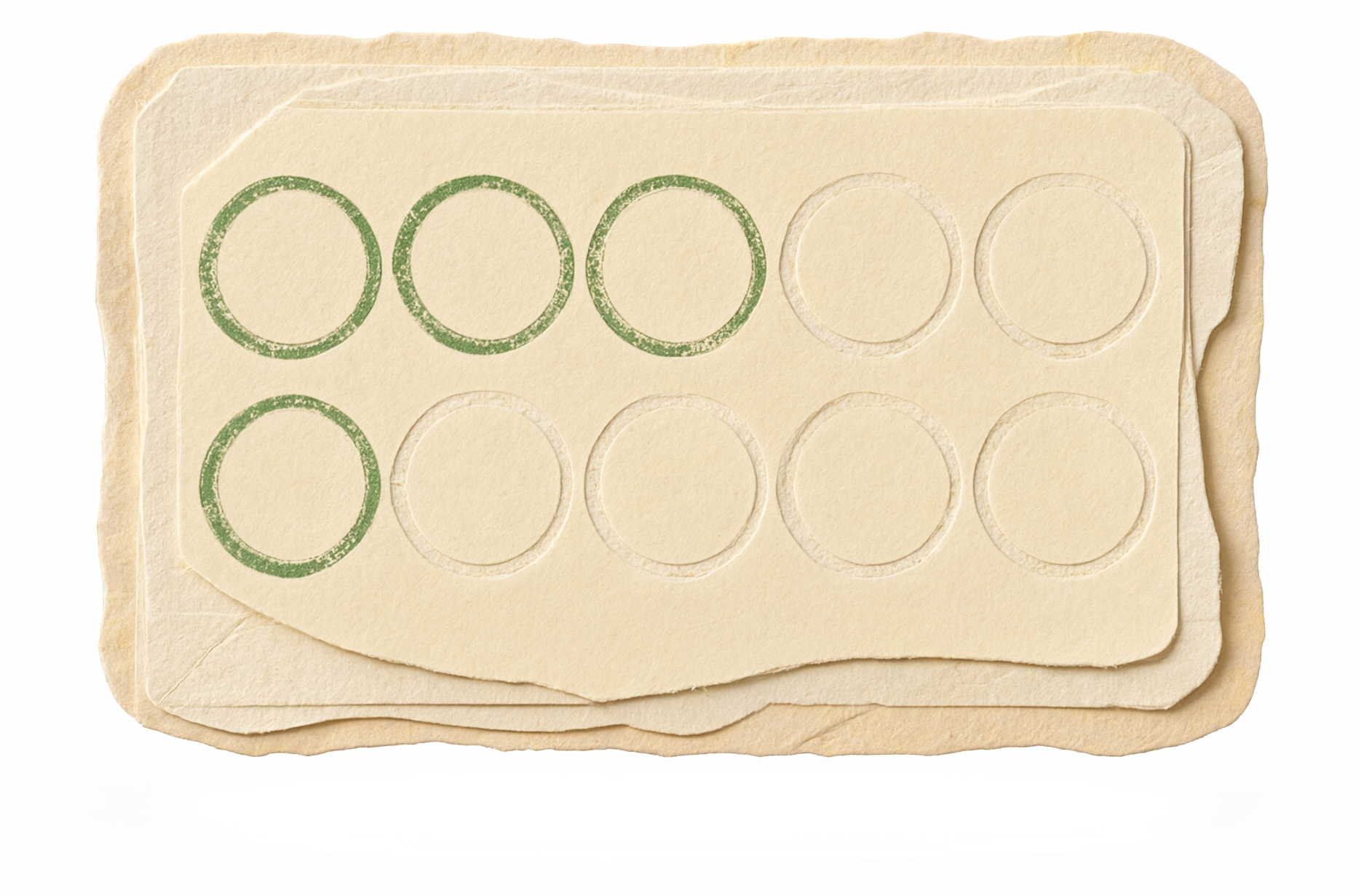
Loyalty stamps
Optional stamps per visit. The cashier confirms redemptions, and each code is single-use with a 15-minute expiry. All of it comes after the receipt.

Reviews that route
Low ratings stay private with you. Good ones can send customers to your Google review link. You set the URL and can turn it off.
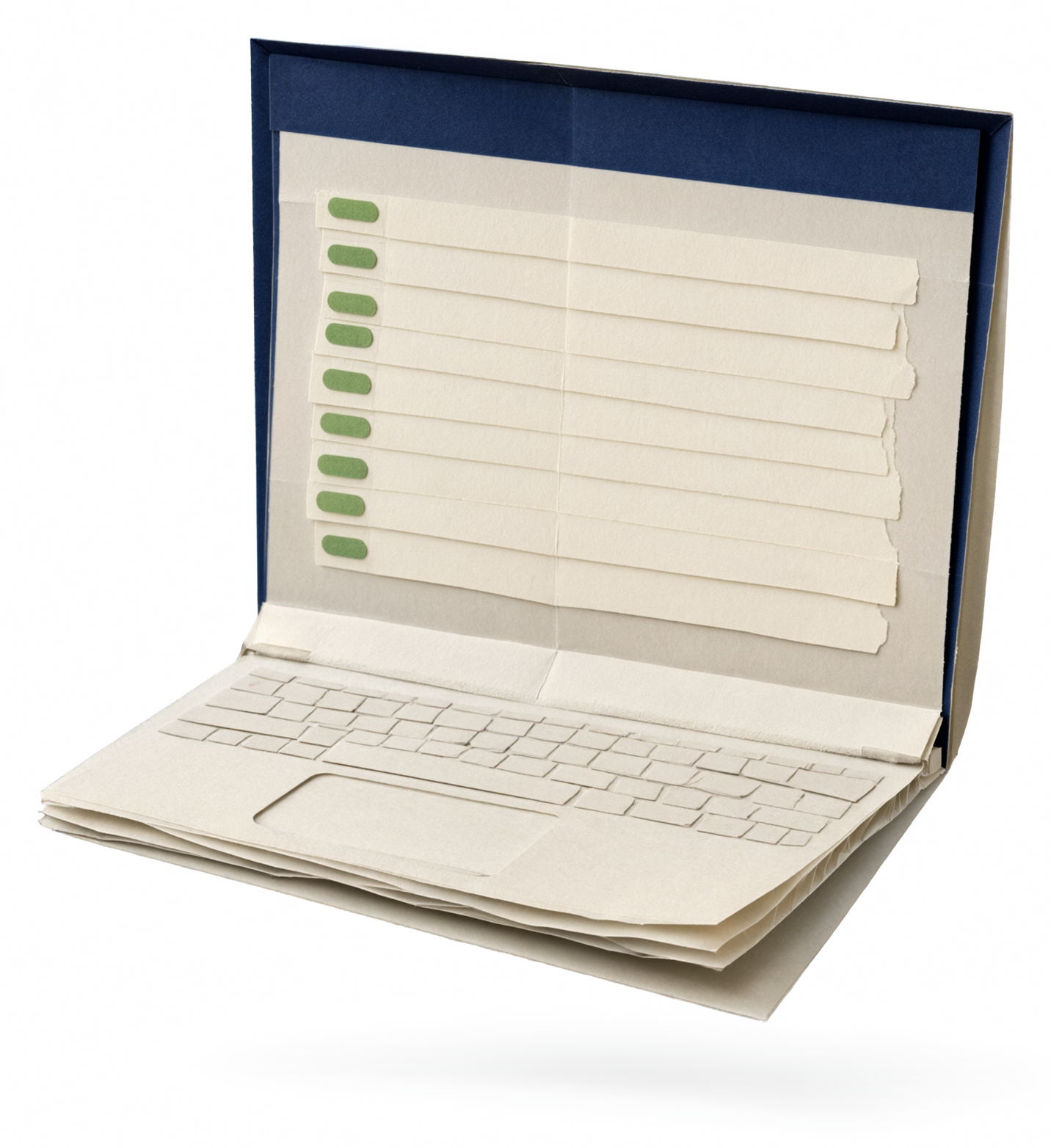
Merchant dashboard
Receipts, devices, feedback, loyalty, and branding in one place, laid out around counter work rather than feature menus.
Customer wallet
Customers who want to keep everything can verify a phone number and get a wallet across merchants. It stays optional; a receipt never depends on it.

Counter analytics
Receipt counts and claim rates today. Deeper analytics once real counters show us what matters.
Sits on any counter
Cafés, salons, retail counters. If a thermal printer sits there today, the tile can sit there too.