How ezResit works
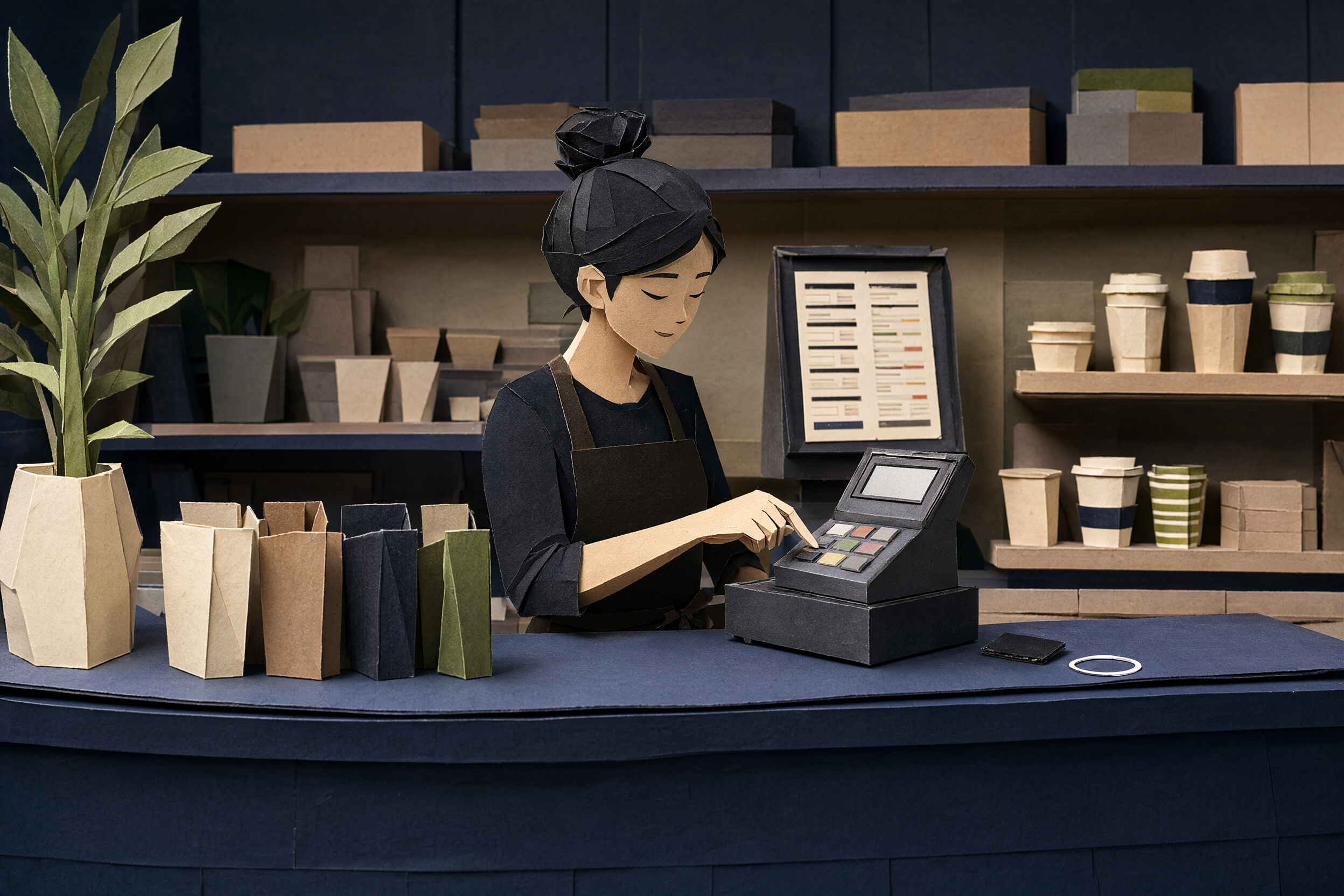
Customer pays, the POS prints like normal. The tile catches the receipt. Customer taps the tile, the receipt opens on their phone. That is all.
One sale, one tap
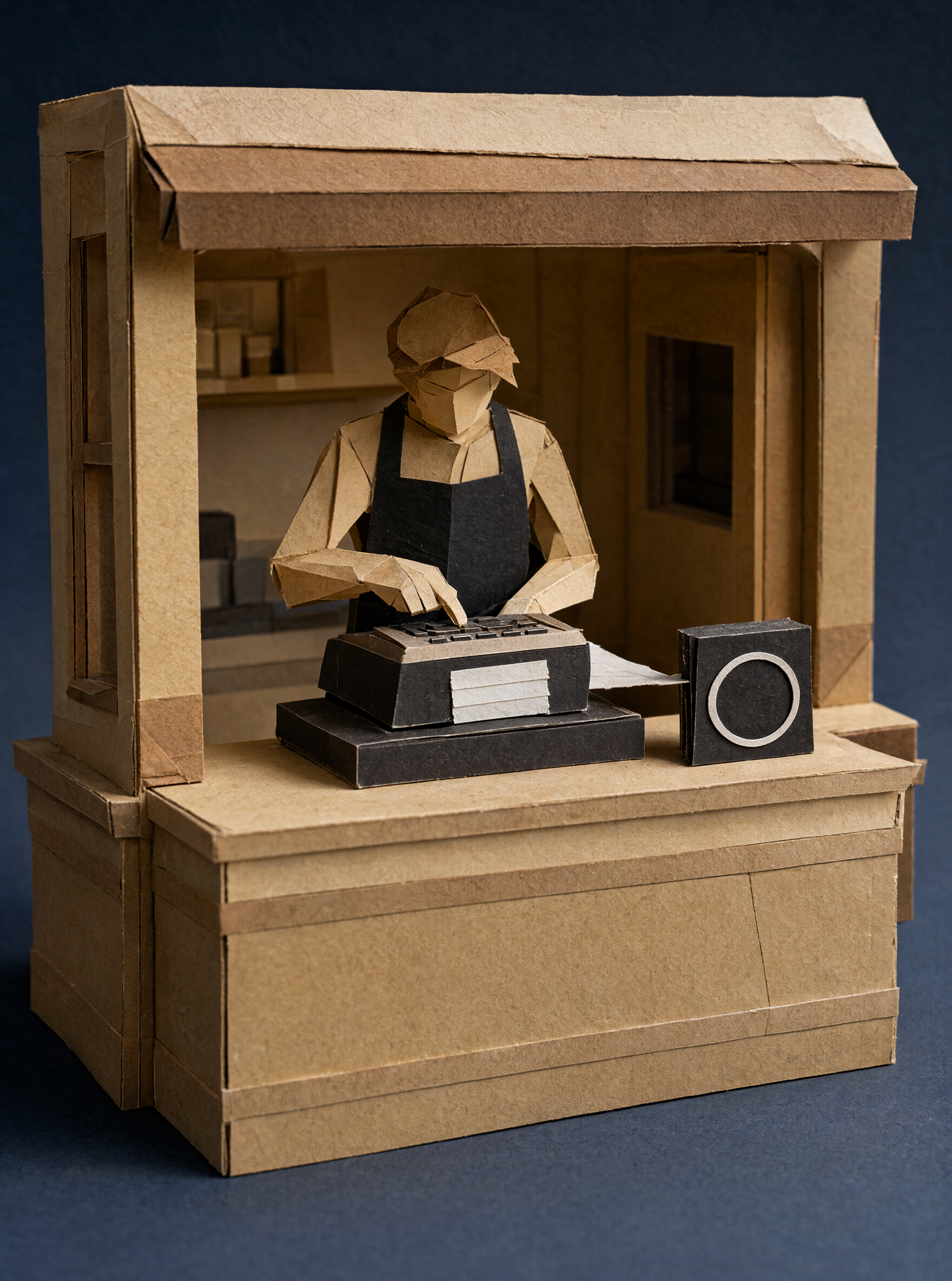
The POS prints as usual
Nothing changes at the till. The receipt goes to the tile instead of paper, and no receipt goes missing.
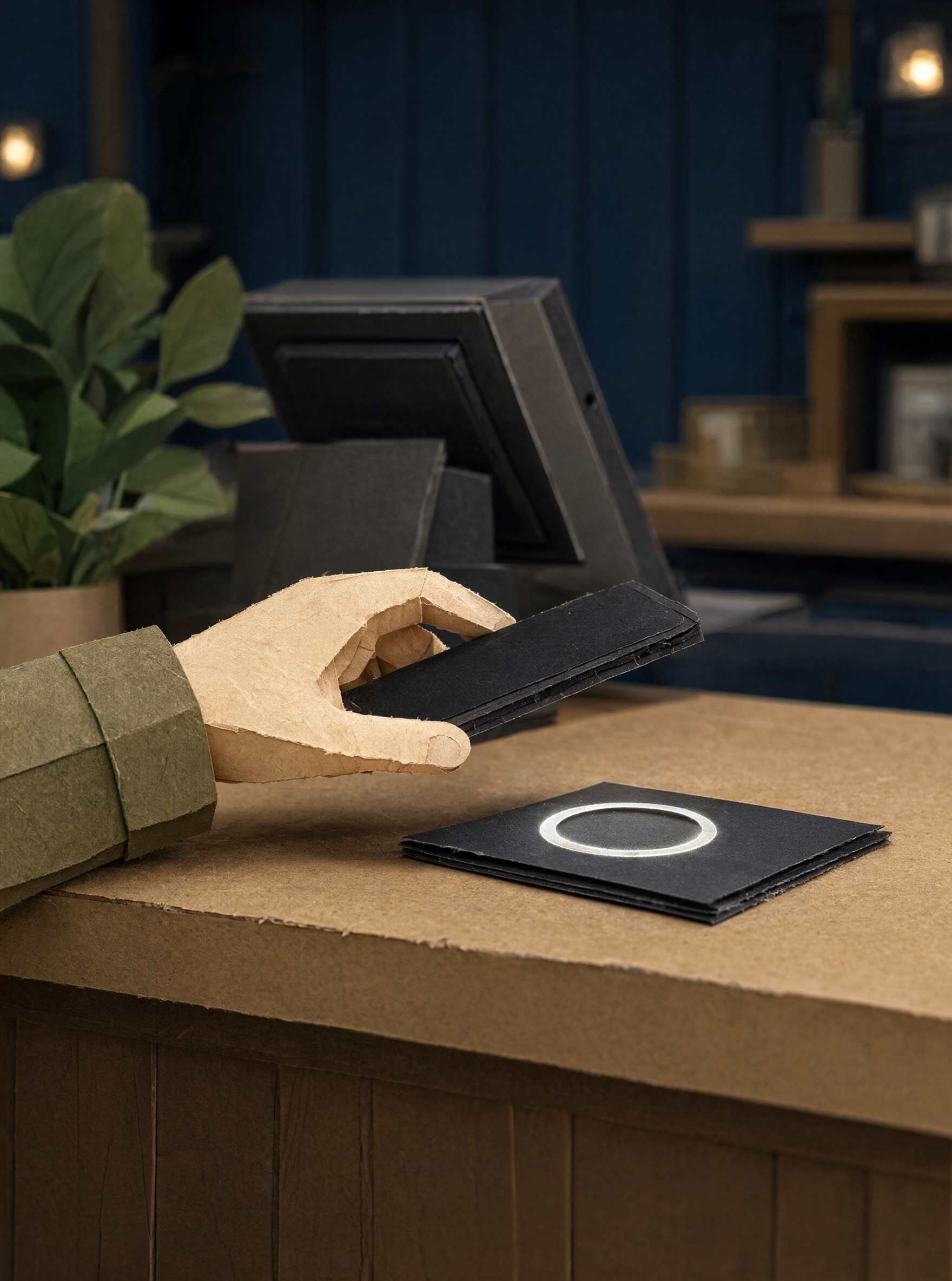
The customer holds their phone near the tile
Same tap as paying by phone. Nothing to install, open, or sign into first.
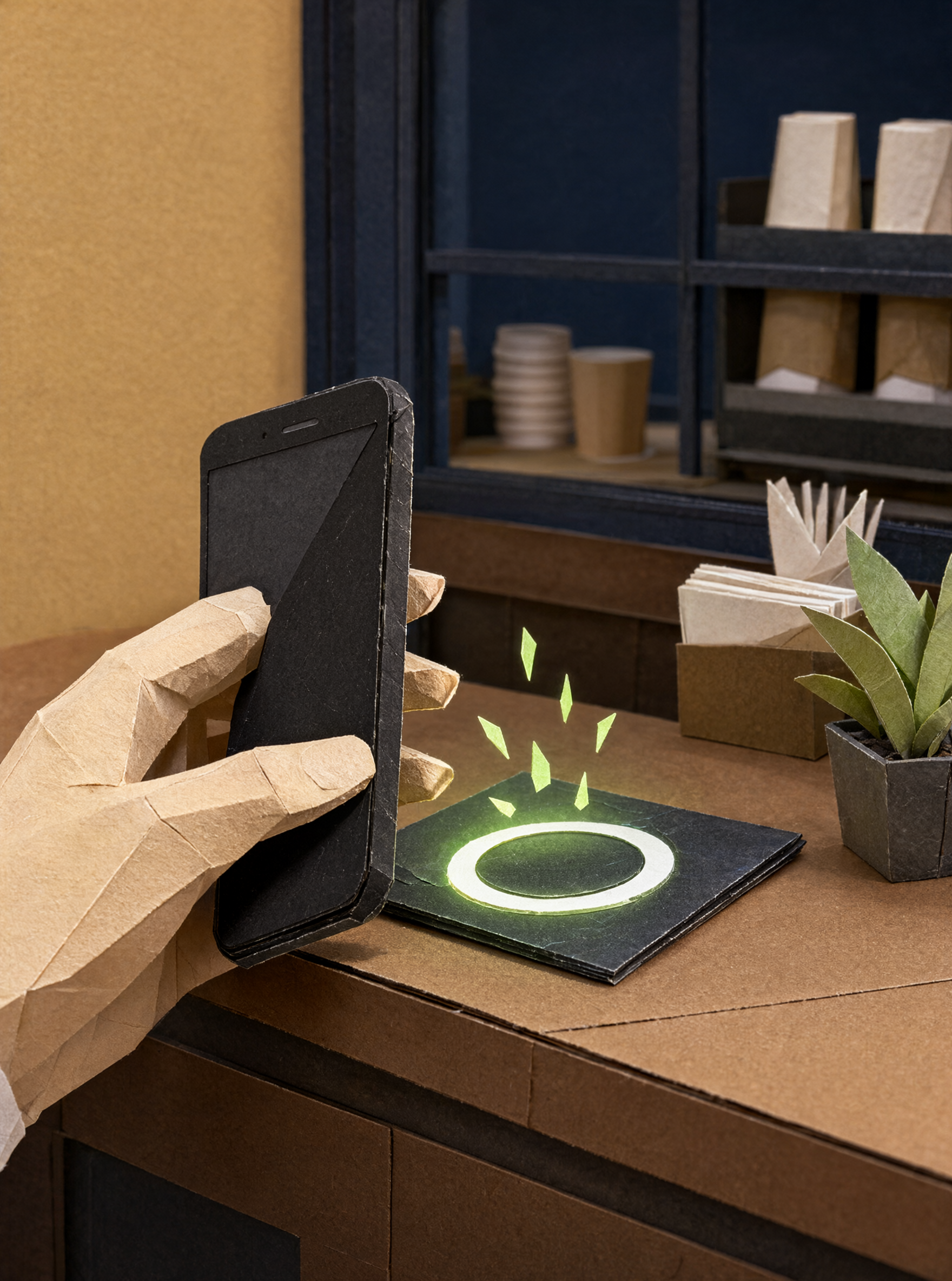
One tap, newest receipt wins
The tile shows the newest receipt for 45 seconds, enough for the person at the counter. If another sale prints first, the earlier receipt is still in your dashboard.
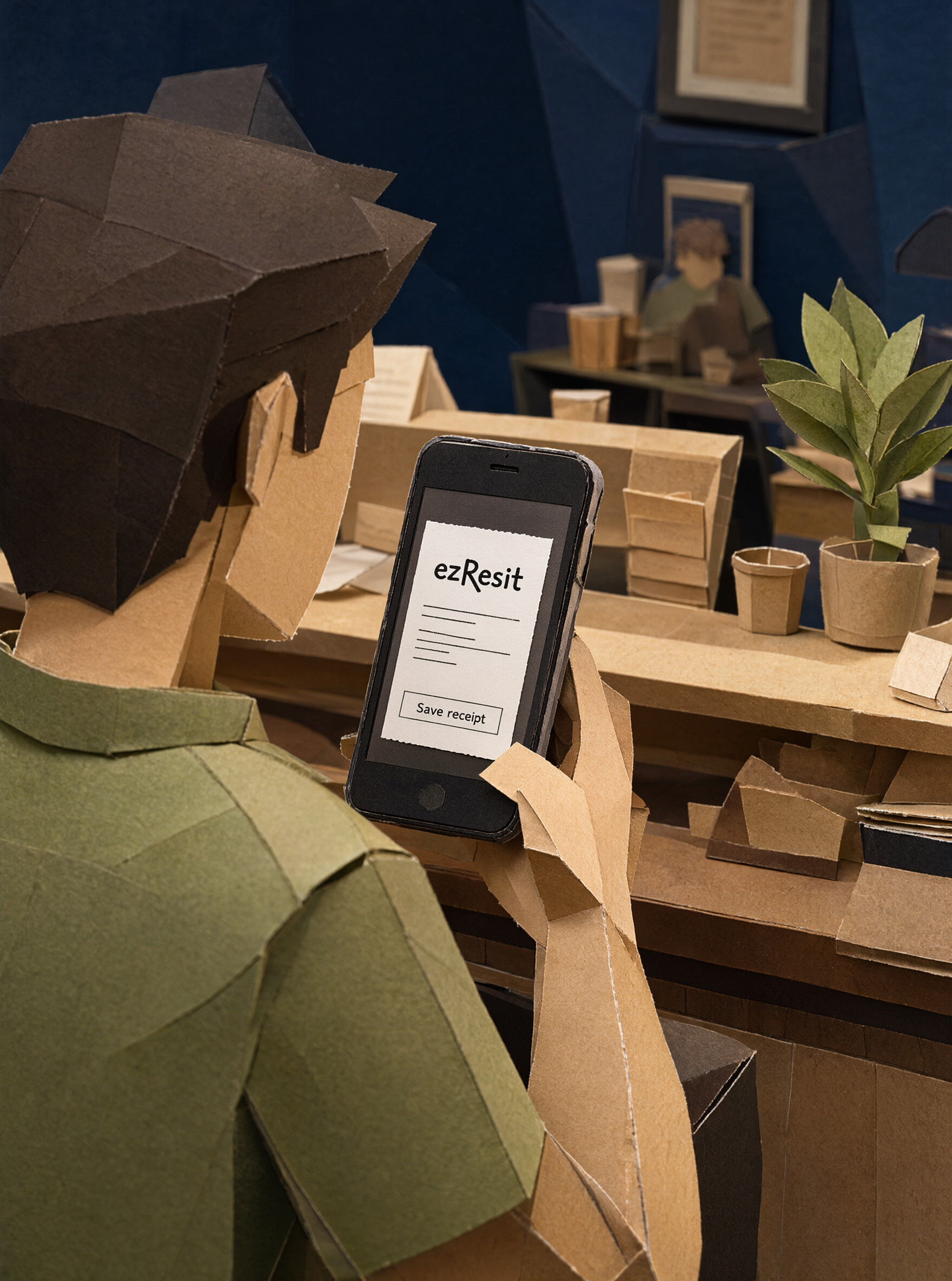
The receipt opens in the browser
To view or save it, customers need nothing. No account, no app, no phone number, no email. The phone number only comes up if they want loyalty stamps or the wallet.
The POS prints as usual
Nothing changes at the till. The receipt goes to the tile instead of paper, and no receipt goes missing.
The customer holds their phone near the tile
Same tap as paying by phone. Nothing to install, open, or sign into first.
One tap, newest receipt wins
The tile shows the newest receipt for 45 seconds, enough for the person at the counter. If another sale prints first, the earlier receipt is still in your dashboard.
The receipt opens in the browser
To view or save it, customers need nothing. No account, no app, no phone number, no email. The phone number only comes up if they want loyalty stamps or the wallet.
The tile
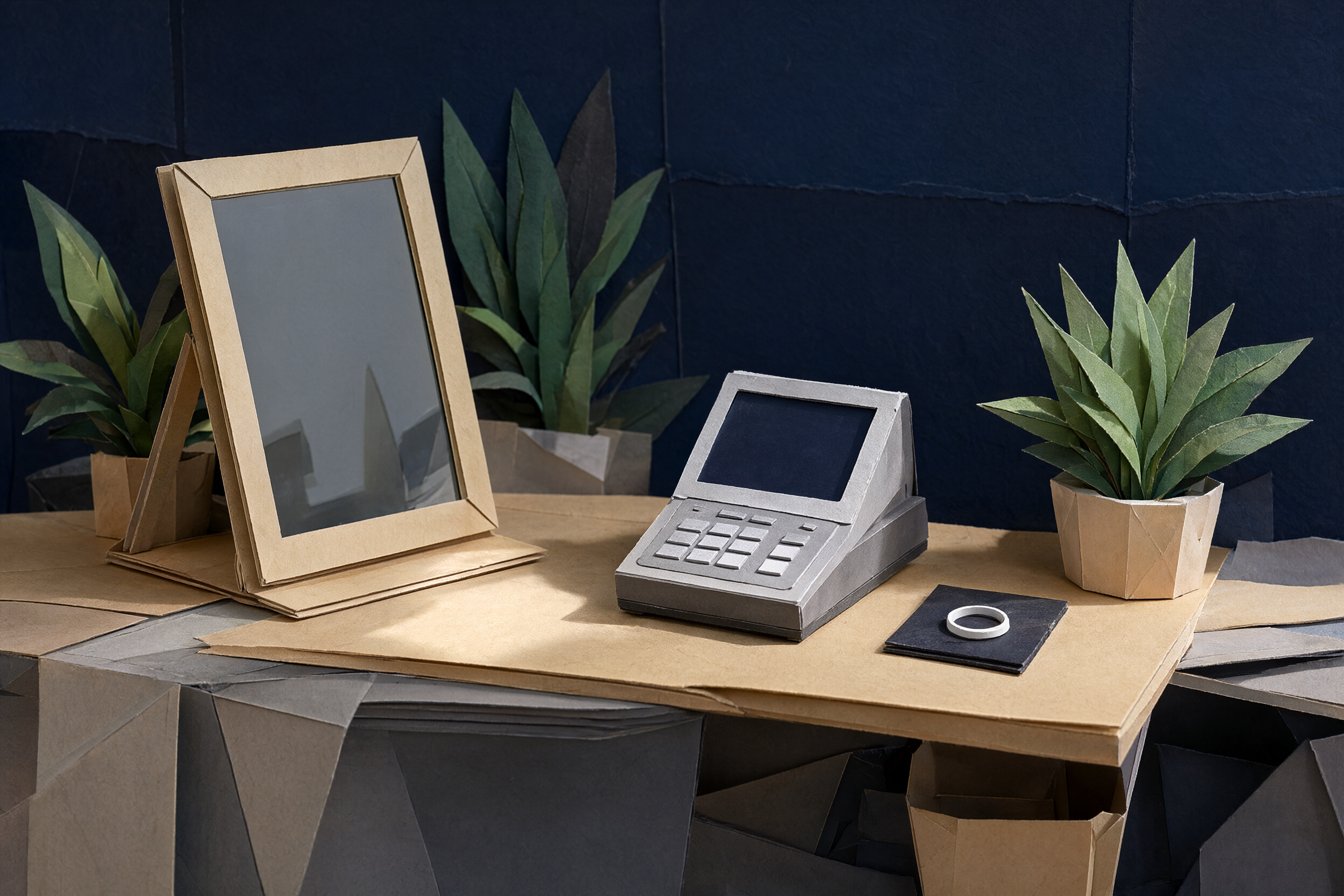
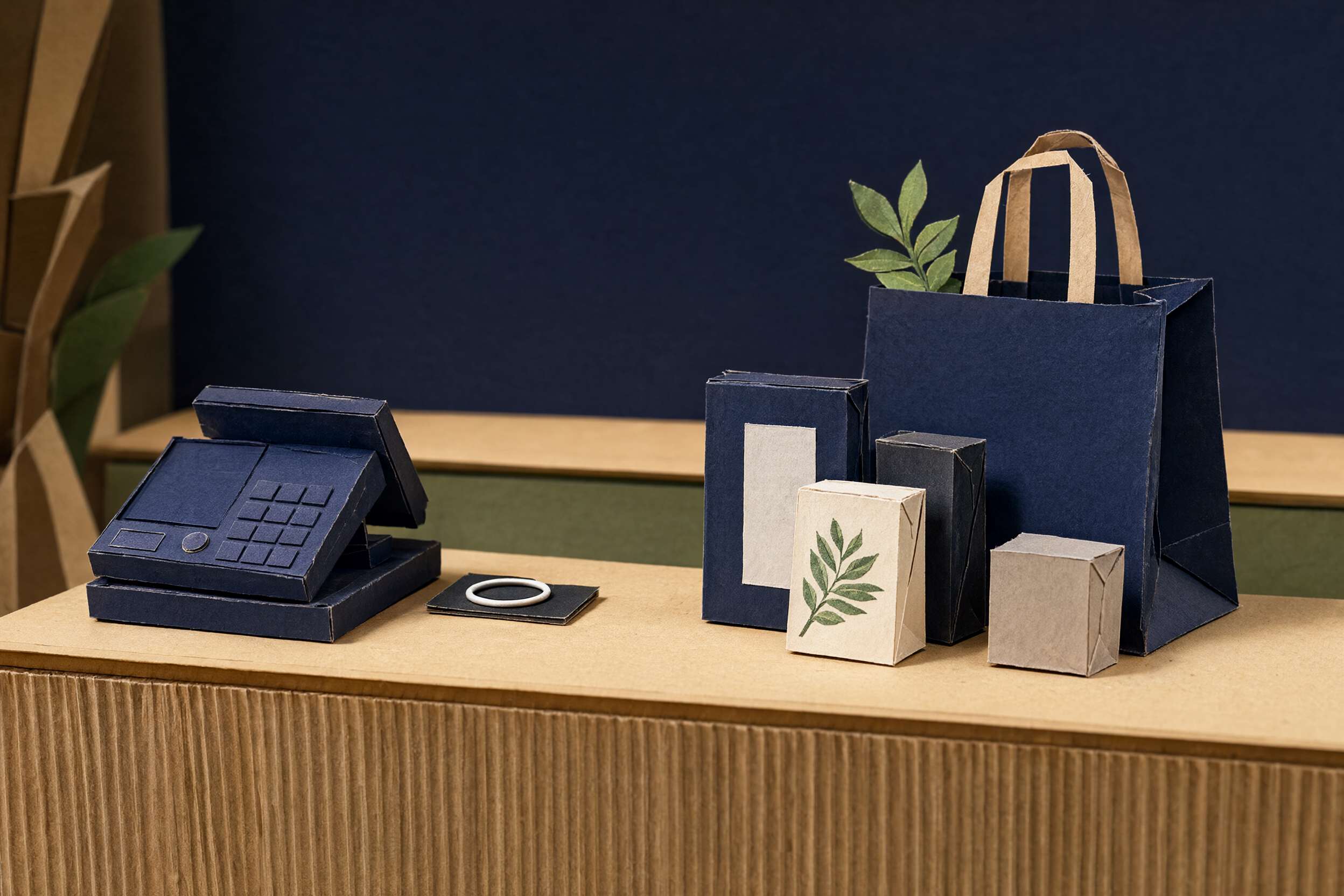
A small NFC tile that sits where the receipt printer used to. The POS prints to it, and the newest receipt is the one customers get.
Pictures are illustrative; the final tile is still being made.

Works at your counter
Cafés, salons, retail counters. Anywhere a thermal printer sits today.
Questions we get a lot
Will it work with my POS?
We check every POS and printer setup before we say yes. We do not promise it works with everything. Tell us what you use and we will tell you straight.
Do customers need an app?
No need. They tap and the receipt opens in the browser. Want to keep it? Download or print to PDF straight from the page.
What if two customers tap one after another?
The tile always shows the newest receipt. If that customer taps again later, they may see a newer one. Your original is still in the dashboard and you can send it again.
What happens to the paper printer?
It goes. With ezResit, the tile is the only place receipts go.